
Choose the right cutting method
Can Laser Cutters Cut Car Wrap Vinyl?
Do not laser cut PVC car wrap vinyl. Use a compatible blade plotter for digital graphics or knifeless tape for planned boundaries during fitting. Laser processing is limited to approved materials, not ordinary wrap rolls.
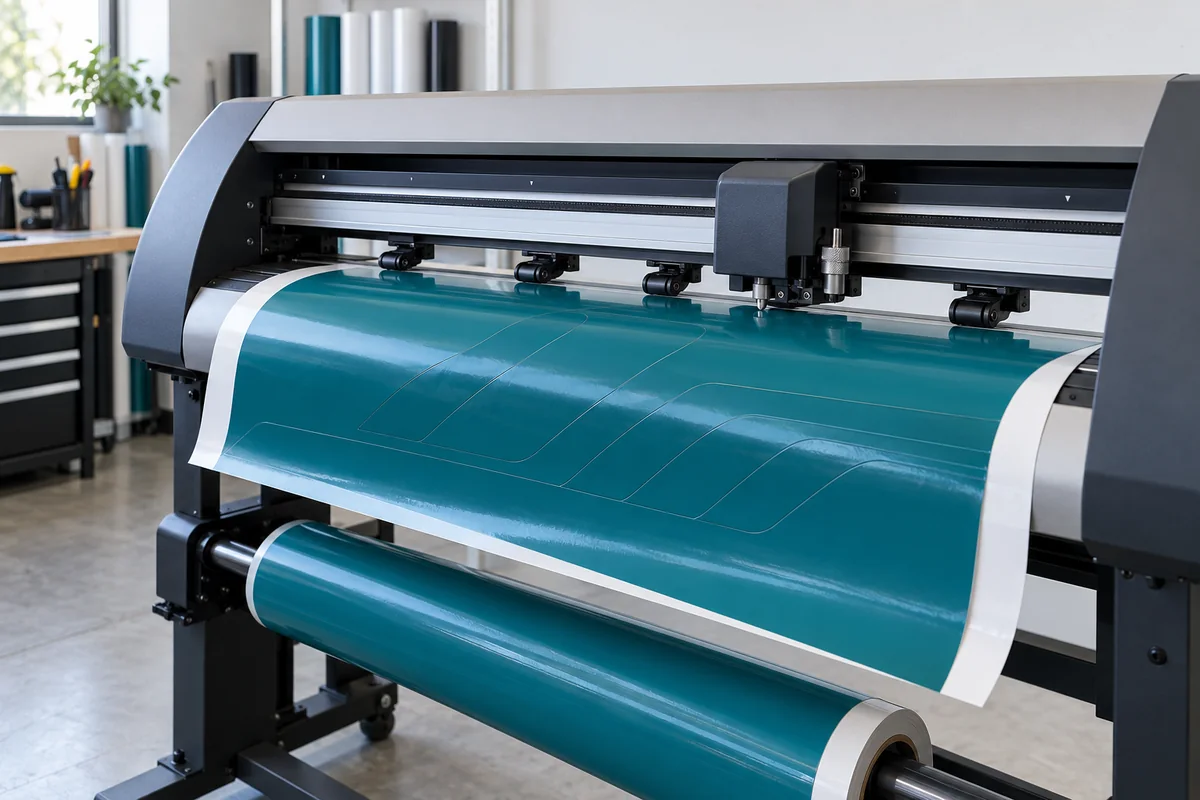
Check the material before considering a laser
PVC stands for polyvinyl chloride. It is a material you must exclude from laser processing, rather than a film that needs a lower power setting.
Trotec lists PVC among materials unsuitable for laser cutting and engraving because processing can produce dangerous gases or dust.
Epilog’s material safety guidance also warns about hazardous fumes and corrosion of the machine.
A closed lid, air assist or an extraction unit does not change the material’s chemistry. Do not treat these features as permission to process an otherwise prohibited film.
Check the product name and its technical and safety documentation. A label saying vinyl, wrap film, sticker material or permanent adhesive is not enough to identify every layer.
Ask the supplier about the face film, adhesive, protective coating and liner if the composition is unclear. Keep an unidentified offcut out of the laser.
A finish described as laser-effect or holographic does not establish laser compatibility. Check the material construction, rather than relying on its appearance or product name.
Non-PVC does not automatically mean laser-compatible. An adhesive-backed film can contain coatings or additives that need separate assessment.
Written guidance from the material supplier and the machine manufacturer should cover the actual construction and intended process. A burn test or a successful-looking sample is not a substitute for that information.
Lasers do have legitimate film applications. Trotec describes processing selected technical films for applications such as front foils and seals.
That guidance concerns specified materials and equipment. It should not be extended to automotive wrap rolls merely because both products are thin plastic sheets.
Separate laser cutters from blade plotters and tape
A laser cutter follows a programmed path with a focused beam that thermally processes the material. A vinyl cutting plotter also follows a digital path, but uses a physical blade.
Computer control describes how the path is followed. It does not tell you what performs the cut.
| Method | What makes the cut | Relevant use | Main limit |
|---|---|---|---|
| Laser cutter | Focused heat from a beam | Specific approved materials in a suitable machine | PVC is unsuitable |
| Blade plotter | A blade follows digital paths | Cut lettering, stripes, decals and suitable film patterns | Needs a sound file, compatible media and a tested setup |
| Knifeless tape | A filament cuts film laid over the tape | Planned boundaries on suitable vehicle surfaces | Tape variant and film layers must suit the task |
| Manual knife | A hand-guided blade | Loose sheets on a cutting surface and controlled finishing tasks | A blade can damage paint or trim beneath it |
A laser pointer used for alignment is another tool altogether. It projects a reference line or point without cutting the film.
Likewise, an optical registration sensor finds printed marks so a plotter can align a contour cut. Neither function turns a blade machine into a laser cutter.
Ask what the machine actually does when a supplier advertises laser positioning or digital precision. The useful answer identifies the cutting head, supported material and workflow.
A glowing reference line in a demonstration does not establish that a beam is cutting the wrap.
Match the method to lettering, printed graphics or a colour wrap
For solid-colour lettering and repeated stripe shapes, a blade plotter can prepare the design off the vehicle. The file defines the outlines.
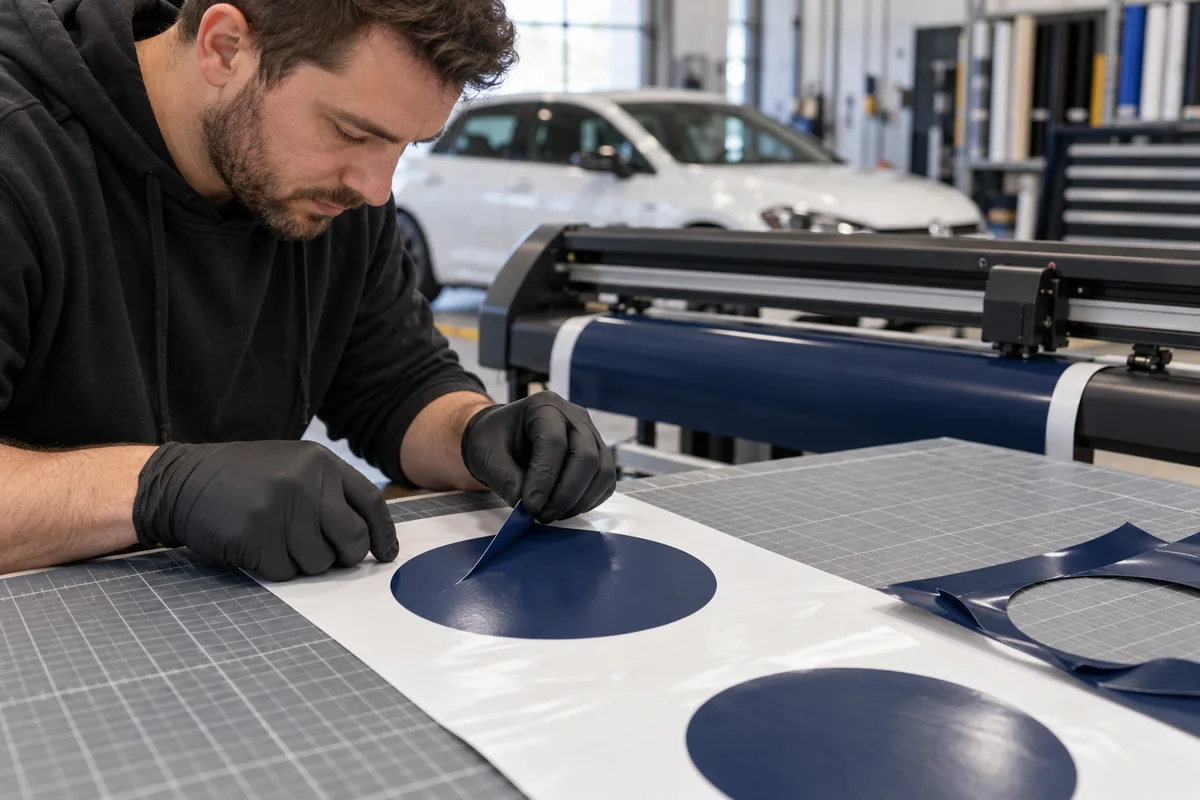
After cutting, unwanted film is weeded away and a suitable transfer method keeps the remaining pieces in their intended arrangement.
A printed decal adds a different requirement. Its cut must align with the artwork already on the sheet, so registration becomes part of production.
A rectangular printed wrap panel may need only a measured trim on the bench. Not every printed vehicle graphic needs an intricate contour cut.
For a colour-change wrap across a bumper or door, fitting involves more than reproducing an outline.
The installer needs enough material to position the sheet, form contours and finish the agreed edges. Knifeless tape and controlled trimming may be more relevant than cutting an exact panel shape beforehand.
Consider a repeated door logo compared with a roof colour change. The logo benefits from a repeatable digital outline and an alignment reference.
The roof needs a coverage and edge plan suited to that vehicle. Using the same machine for both does not mean the same file preparation or fitting method will work.
Our guide to custom wrap graphics tools covers artwork, print and proofing in more detail. Here, choose the cutting process after deciding what you are producing and which film will be used.
Test blade depth before cutting the full design
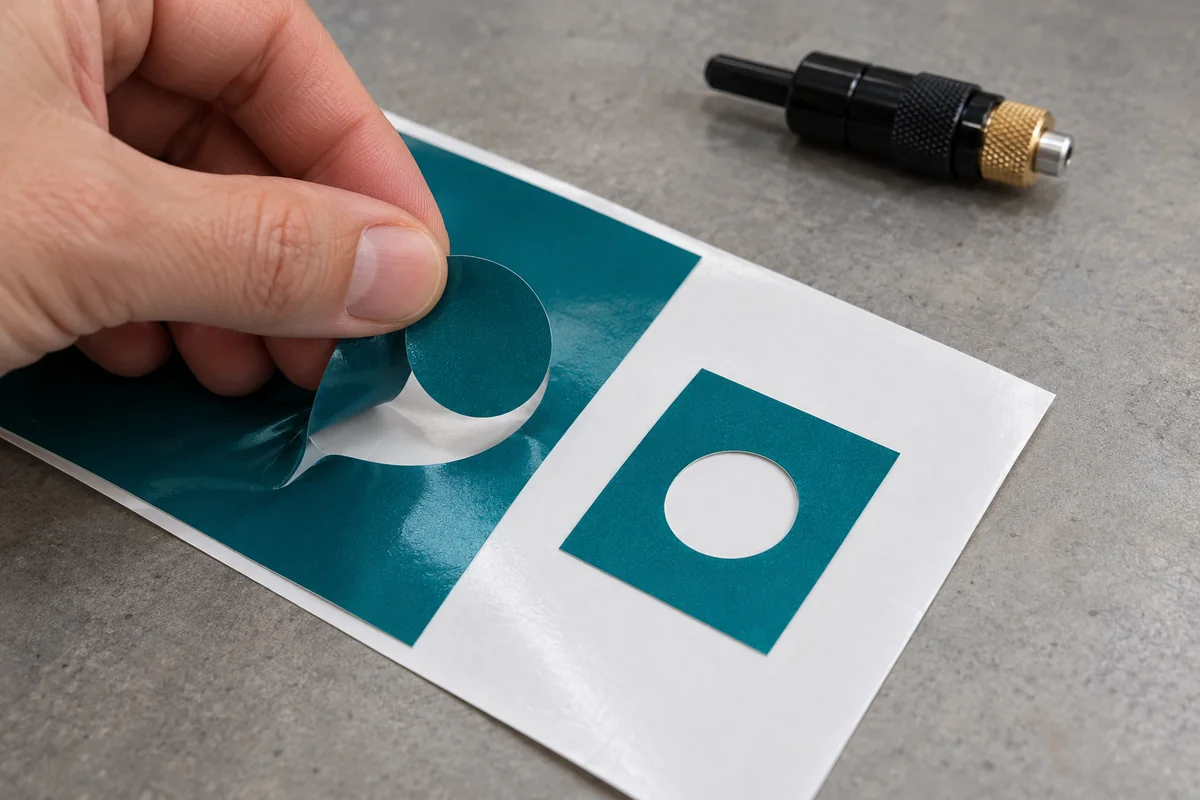
A kiss cut passes through the intended face layers and adhesive while leaving the release liner usable. This keeps lettering or decals supported for weeding and transfer.
A through cut also separates the backing. Perforated cuts are a further option on equipment designed for them. These settings serve different jobs.
For a new material or layer combination, start with the cutter’s prescribed test procedure. Inspect whether the shape lifts cleanly, small corners separate and the liner remains intact.
Graphtec’s CE8000 instructions explain cutting tests and tool-condition adjustment. Use the instructions for your machine rather than borrowing another model’s numbers.
Blade extension, force, speed and offset affect the result. Offset describes the relationship between the blade tip and its rotational centre on relevant blade systems.
It is not the same setting as force. Adjust the cause of a poor cut instead of increasing pressure whenever a corner looks untidy.
Check a representative detail as well as a simple test shape. A large square may separate while small lettering still tears. Re-test when changing to a different film, laminate or blade.
Keep a note of the working setup, but treat that note as a starting point for the next batch rather than a permanent setting.
Use optical registration for printed contour cuts
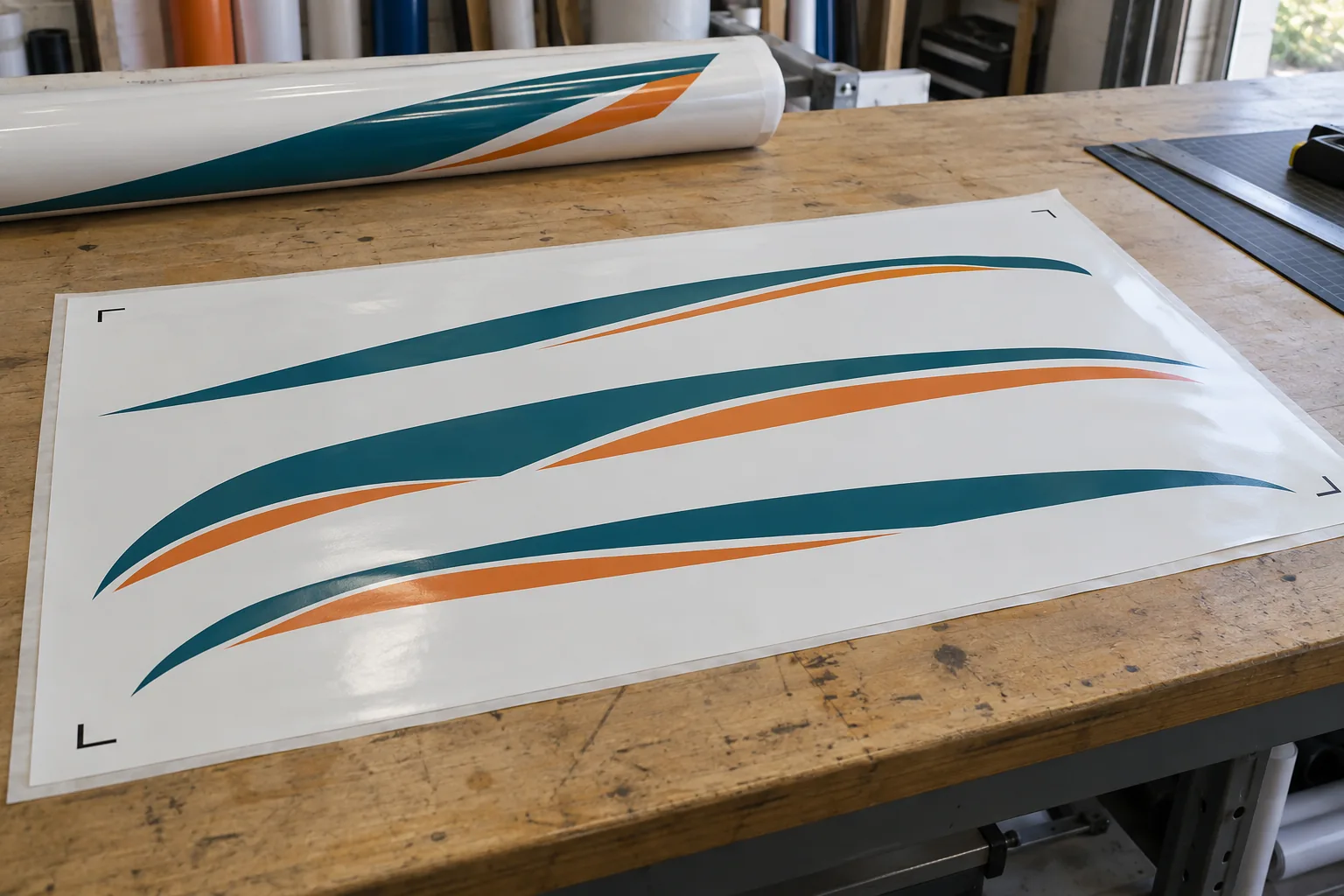
Registration marks give a cutter reference points for the printed image. The sensor reads them and relates the cut file to the sheet.
Graphtec’s ARMS documentation describes this mark-sensing system and notes that detection can depend on print quality and the media surface.
Keep the correct print and cut files together. Check that scale, orientation and any laminate stage match the workflow. Load the media straight and give it room to feed.
Marks must remain readable and within the machine’s supported arrangement. A sensor cannot rescue a cut file prepared for a different artwork revision.
Check a small contour before running the complete batch. If the cut drifts relative to the print, inspect alignment and registration.
If it follows the outline but fails to separate, inspect the blade setup instead. These are different faults, even though both appear as a bad decal.
Registration accuracy on a flat sheet does not establish placement accuracy on the car. Positioning still needs vehicle measurements and an approved reference.
Do not stretch a correctly cut logo simply to bridge a mismatch at a door gap.
Plan on-car boundaries with suitable knifeless tape
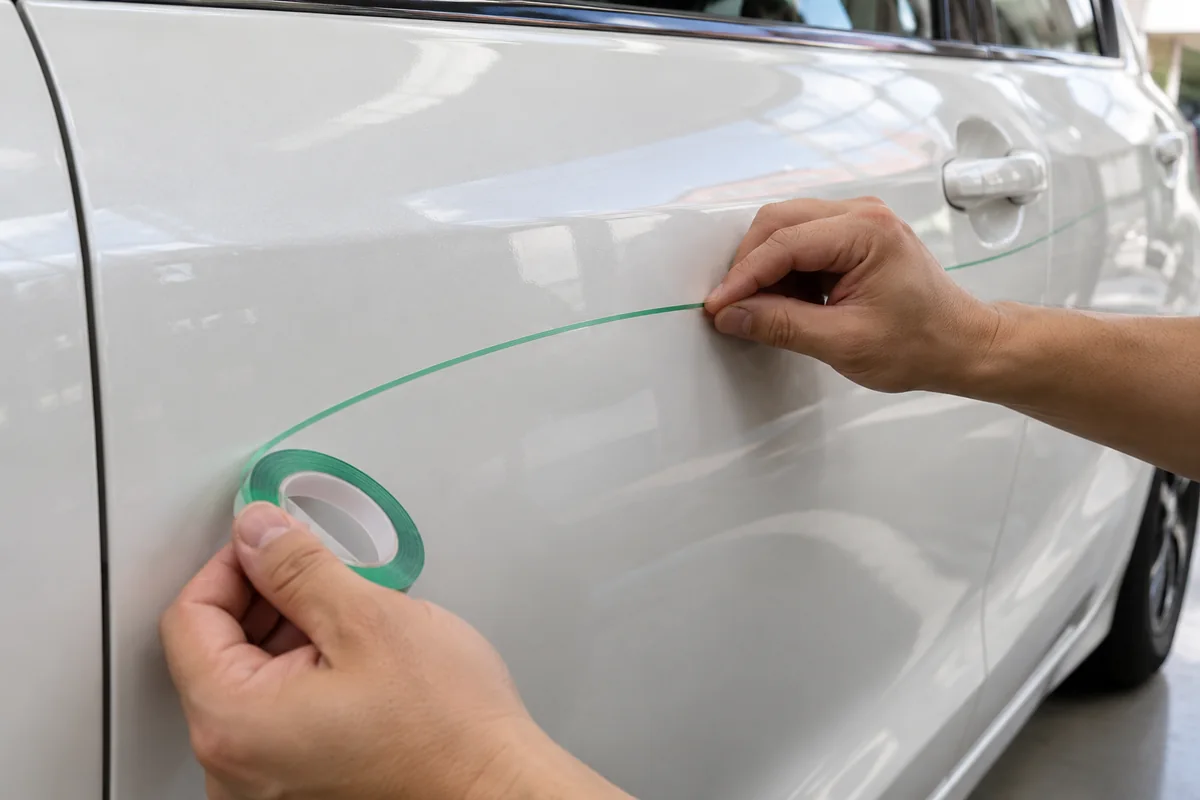
Knifeless tape contains a filament that cuts the film laid over it. The tape establishes the path on the surface before application.
It removes the need for a knife along that planned boundary, but still requires a suitable substrate, compatible tape and correct technique.
3M’s knifeless tape bulletin distinguishes variants for different tasks. Design Line is intended for single-layer accents and curves. Other variants address different layers, gaps or tougher films.
Do not choose solely by the colour of the tape or assume one roll suits every laminate and PPF combination.
Plan the start, finish and access to the filament before laying the vinyl. Follow the variant’s directions, including removing the carrier remnants and completing the film’s edge treatment.
Do not wrap the filament around fingers or hands. Dispose of it after use. Practise on a suitable spare surface before a customer vehicle.
For a fitted stripe design, compare the intended width and alignment across adjacent panels before cutting.
A clean curve can still be in the wrong place. Tape does not decide the design boundary or correct an unsuitable panel condition. Our guide to planning car wrap cut lines explains how to position boundaries and choose between panel gaps, butt joins, overlaps and inlays.
Keep manual blade work separate from cutting against paint
A sharp knife remains useful for sizing loose material on a clean cutting mat. Support the sheet, keep the free hand out of the path and secure spare blades.
Cutting off the vehicle avoids placing the paint beneath that particular cut. It does not remove the risks of later fitting or removal.
Painted panels, rubber seals and trim can all be damaged by a blade. A shallow depth setting is not a guarantee against damage on a changing surface.
Where finishing requires manual work, the installer should be able to explain the support, access and protection method. Beginners should not practise freehand cuts through film lying directly on vehicle paint.
Treat vehicle templates and PPF patterns as different tools
A vehicle illustration helps a designer arrange a livery. It is not necessarily a dimensionally verified cutting pattern.
A side-view drawing also cannot describe every curve, recess or return around an edge. Confirm the actual vehicle, body variant and modifications before relying on a file.
A pre-cut protection kit has a different purpose. It defines pieces for an intended film application.
XPEL’s DAP software, for example, includes vehicle film patterns for PPF and window tint. The existence of a digital pattern does not imply that a laser produces the pieces.
Do not use a PPF pattern as an automatic colour-change vinyl pattern. The products can require different fitting methods, edge allowances and handling.
Check the proposed film and whether the pattern leaves visible margins or permits wrapped edges. A neat pre-cut boundary is useful only if it meets the agreed coverage.
For modified bumpers, replacement panels or added body kits, establish whether the pattern still applies.
Do a fit assessment before removing liners or committing an expensive sheet. A file that was correct for the standard vehicle cannot account for an unrecorded change.
A pattern library can reduce repeated drawing work, while nesting arranges pieces within the available material. Neither removes the need for installation skill or sensible spacing between pieces.
Preserve direction where the film requires it, keep identifiable panel labels and allow for handling. Check how future replacement sections will be reproduced.
Find the cause of a poor cut before repeating it
Inspect the failed piece off the vehicle. A partly attached letter, damaged liner and misplaced contour suggest different problems.
Keep the rejected sample until you understand what changed. Repeating the job with more force or speed can make the same defect more expensive.
- Film will not weed cleanly. Check blade condition, extension, force and whether the actual layered material matches the tested setup.
- The liner splits or loose pieces fall out. Check whether you selected a through-cut mode or cut too deeply for a kiss-cut job.
- Small corners pull up or look distorted. Inspect the path, blade condition, offset and speed before blaming the vinyl.
- The cut moves away from printed artwork. Check the correct file revision, registration marks and media feeding.
- A fitted edge lifts. Check preparation, film tension, contact and the specified finishing procedure as well as the cut itself.
A thermally sealed-looking edge is not proof of better adhesion. Attachment depends on the material system and fitting conditions.
For ordinary PVC wrap vinyl, the solution to an edge problem is a suitable cold cutting and installation method, not experimenting with laser power.
Compare the complete workflow cost and usable output
There is no meaningful universal price for laser cutting versus manual wrapping. A machine purchase, a decal batch and an installed colour wrap are different transactions.
Compare the same finished deliverable and include the stages required to produce it.
For a blade plotter, request an itemised equipment quote covering usable cutting width, supported films, software, stand, training, consumables and local support.
Confirm whether VAT, delivery and setup are included. The width of media a machine can accept may exceed its effective cutting width, so check the usable area.
For repeated graphics, record file preparation, loading, test cuts, weeding, transfer and fitting time.
A faster cutting head does little for total output if a complicated design takes much longer to weed. Include rejected material and replacement consumables when comparing two methods.
For a one-off colour wrap, skilled edge planning and adequate fitting space may matter more than buying another machine.
For frequent repeated lettering, a tested plotter workflow may justify its setup time. Base that decision on representative work rather than a claimed percentage saving.
In a Dubai workshop, also confirm available parts and support when equipment stops working. Check the machine’s environmental requirements and keep media within its specified storage conditions.
A roll left in a hot vehicle should not be assumed ready for production just because the cutter is ready.
Check the finished edges and agree what happens next
Customers do not need to choose a cutting head for the installer. They do need to understand the material, included panels and intended finish.
Ask how painted surfaces will be protected during cutting, where joins will be placed and which edges will remain visible.
Inspect the fitted result under suitable light. Look at stripe alignment, small lettering, panel transitions and cut edges around handles or trim.
Check that relevant moving parts still operate. A clean digital cut on the bench does not guarantee that the same piece was positioned correctly.
Keep the approved design revision, film reference and any agreed limitations.
For repeated branding, retaining the cut file helps reproduce the shape, although an aged neighbouring graphic may differ in appearance from a new replacement. Shape consistency and colour matching are separate questions.
Request care instructions and written warranty scope for the supplied film and installation. Terms such as laser-cut or machine-cut do not create extra warranty coverage.
The useful record identifies what was fitted, how concerns can be raised and which conditions apply.
Common questions about laser cutters and wrap vinyl
Can I laser cut PVC if I use extraction?
No. Extraction does not make PVC suitable for laser processing. Follow the machine manufacturer’s prohibited-material guidance and choose a compatible blade method for wrapping vinyl.
Are all non-PVC wrap films suitable for lasers?
No. The face film, adhesive, coatings and liner need assessment. Obtain guidance for the exact material construction and laser process before considering it suitable.
Does a laser alignment feature cut the vinyl?
Not necessarily. A projected laser can help positioning while a blade performs the cut. Confirm the cutting mechanism rather than relying on the feature’s name.
Will a plotter cut every car panel ready to install?
Only suitable files and material combinations can produce useful pre-cut pieces. Vehicle variation, contours and edge allowances still need checking. Colour wraps may require a different approach from pre-cut protection kits.
Is manual cutting always cheaper?
A knife has a low purchase cost, but total cost includes preparation, labour, waste and rework. Compare equivalent finished work. Repeated lettering and a single shaped panel have different production needs.
Does a digital cutter guarantee no paint damage?
No. Cutting a piece off the vehicle avoids blade contact with paint during that cut. Preparation, fitting, any later trimming and removal still carry their own risks.
Plan your wrap details
Bring the vehicle and design into the same plan
Send your vehicle model, intended coverage and any artwork. Our Al Quoz team can discuss the film, fitted boundaries and quotation for your project.